Chat Bubble
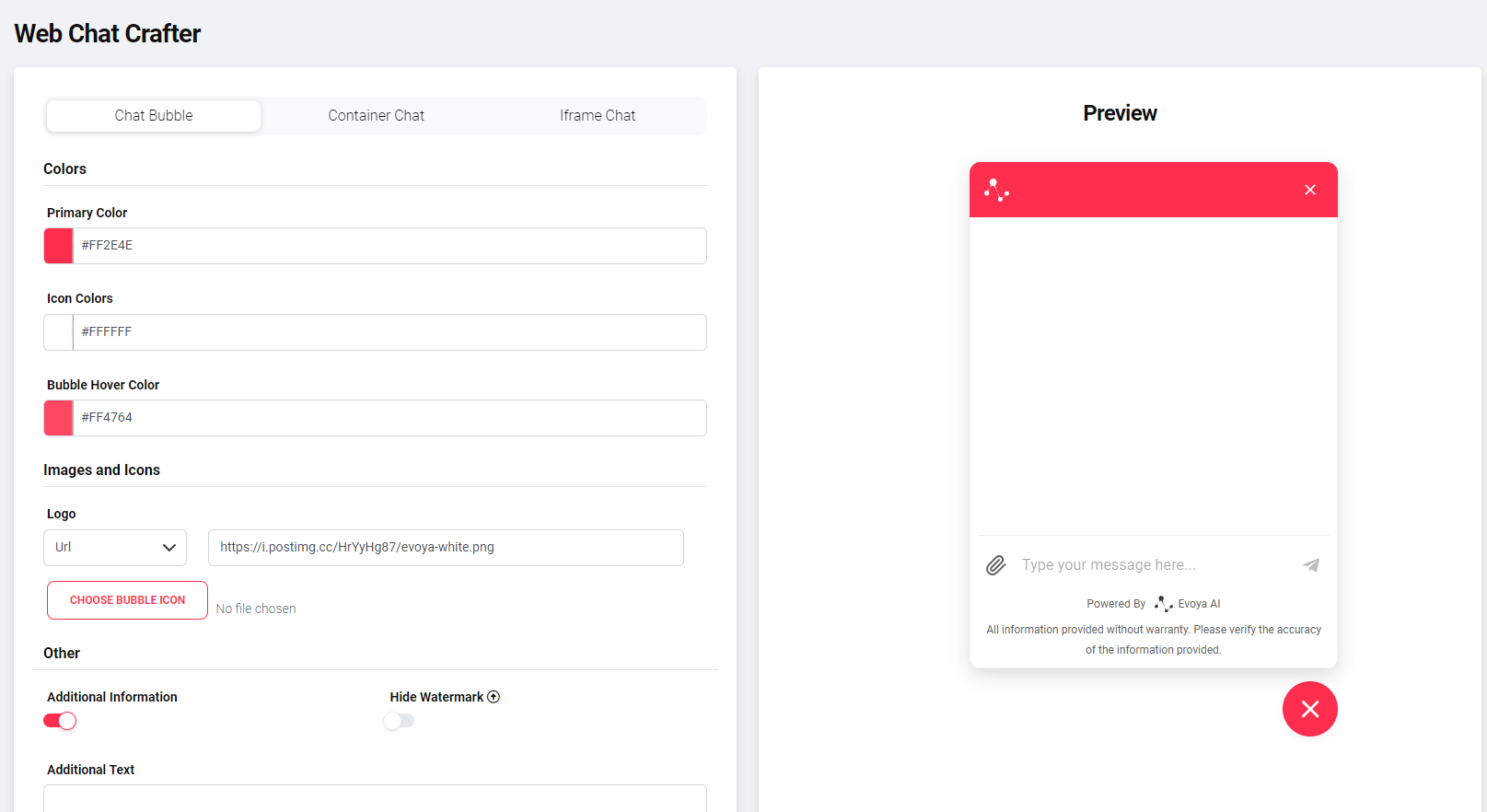
The Chat Bubble is a floating chat that appears on the edge of the website and opens upon interaction. It is suitable for websites where visitors should quickly and easily interact with an AI agent.
Configuration Options
- Chat Bubble colors (primary color, icon color, hover color)
- Chat window size (width and height)
- Header with logo or text
- Additional notes below the input field e.g., liability disclaimers or references to privacy or security pages Optional with link
- Automatic opening of the Chat Bubble – separately for desktop and mobile – time-controlled
- Interface language
Changes only the chat interface language. It does not affect the welcome message or the agent's reply language.
Supported locale codes:
en,de,fr,it - Voice input (Speech-to-Text)
Payload Variables
With the Chat Bubble, payload variables can be defined to pass additional context to the AI agent.
Enter variables in the format role=assistant&name=Claudius.
Examples:
- Passing the current page (
page=pricing) - Passing a campaign ID (
source=landingpage_2025) - Passing a language or region (
lang=en)
This information is available to the AI agent during the conversation.
Generate Embed Code
- Click on Generate Embed Code
- Copy the generated code
- Insert the code at the desired location in your website's HTML source code
Note on Embed Code
The generated embed code is not saved. Changes in the Bot Designer require regeneration of the code.
Related topics
- Bot Designer – overview of all chat types and general configuration
- Container Chat – fixed embedded chat in the page layout
- iFrame Chat – minimal embedding without additional configuration
- Introduction – what bots are and how they work