Agent Builder
The Agent Builder is a guided wizard for easily creating agents. It leads you step by step through the process and helps you create working agents quickly and without prior knowledge. You don't need to understand configuration from scratch – the builder automatically generates an optimized prompt from your input and takes care of the basic settings.
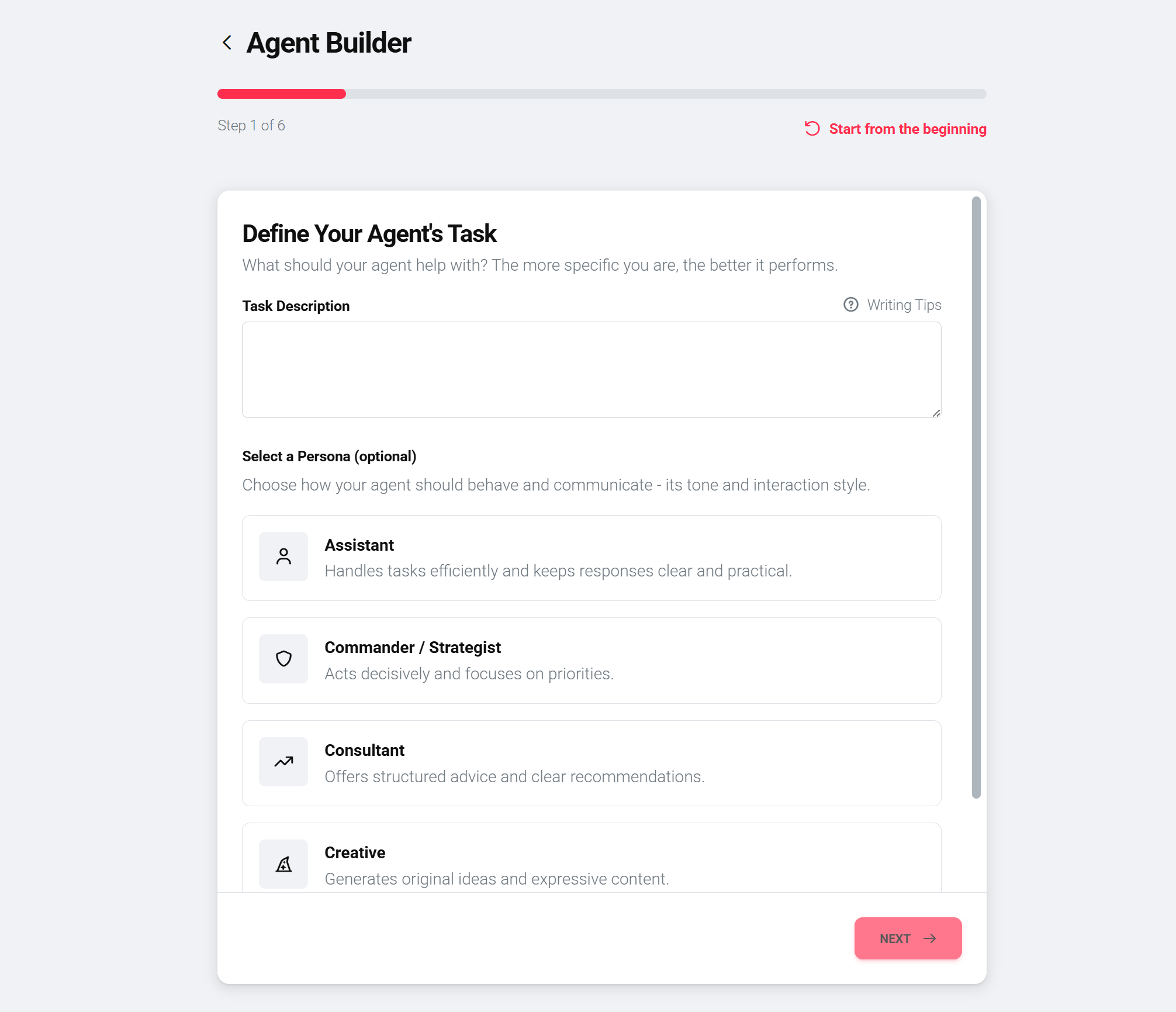
Step-by-step guide
Step 1: Define the task description
Describe what the agent should do. The more precise the description, the better the result. An example: "You are a website bot that answers customer inquiries and forwards them."
Optionally, you can select a person that shapes the agent's style – such as assistant, advisor, creative, engineer, teacher, or coach.
Step 2: Select AI model
Choose the language model your agent should use. Only featured models are shown – these are models recommended for most use cases. Details on the models can be found under AI Models.
Step 3: Choose access type
Define who is allowed to use the agent: Private means the agent is only visible to you. Team makes it accessible to your team. A detailed explanation of access types can be found on the Access Types page.
Step 4: Activate tools (optional)
If the agent should perform specific actions, you can activate tools here – such as email sending, image generation, or API connections. This step is optional and can be added later.
Step 5: Activate data sources (optional)
Connect the agent with additional knowledge by activating data sources – such as documents, websites, or databases. This step is also optional. Then click «Generate Prompt» so the builder creates the prompt from your input.
Step 6: Review agent profile and create
Review the generated agent profile: name, description, greeting text, and prompt. Adjust individual points if necessary. Then click «Create Agent» to set up the agent.
After creation
After creating an agent with the builder, all settings remain fully accessible and can be adjusted manually. A switch to manual configuration is possible at any time if you need more control. Further development can take place with or without the builder.
Best practices
Use a clear, precise task description as a starting point – this significantly improves the quality of the generated prompt. Start with a simple version and improve based on real user feedback. Conduct extensive tests with different question types before putting the agent into production.