Creator
The Creator is the integrated Markdown editor of the Evoya platform. With it you create and edit longer, structured content with AI support – directly in the chat interface, without an external tool.
It is ideal whenever you want to build reports, minutes, blog articles, or summaries and work step by step with the AI.
Creator vs. regular chat
Not every task needs the Creator. This table helps you choose the right tool:
| Criterion | Creator | Regular chat |
|---|---|---|
| Purpose | Create and edit longer, structured documents | Quick questions, short answers |
| Workflow | Step by step, adjust specific text passages | One prompt, one answer |
| Output | Editable Markdown document | Chat messages |
| AI interaction | Select, instruct, replace – iterative | Send prompt, get answer |
| Storage | Document is saved and managed in file storage | History stays in chat |
Open the Creator
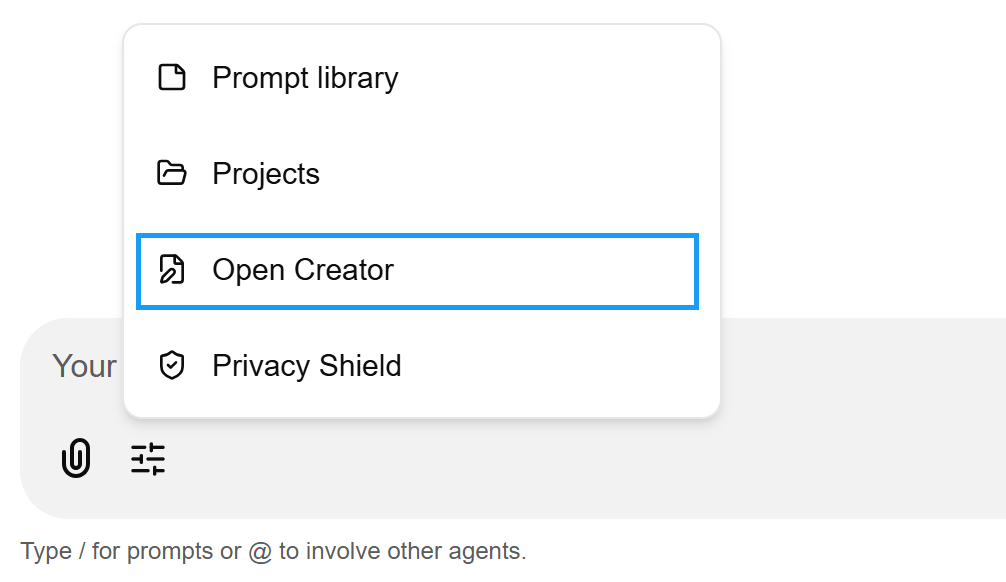
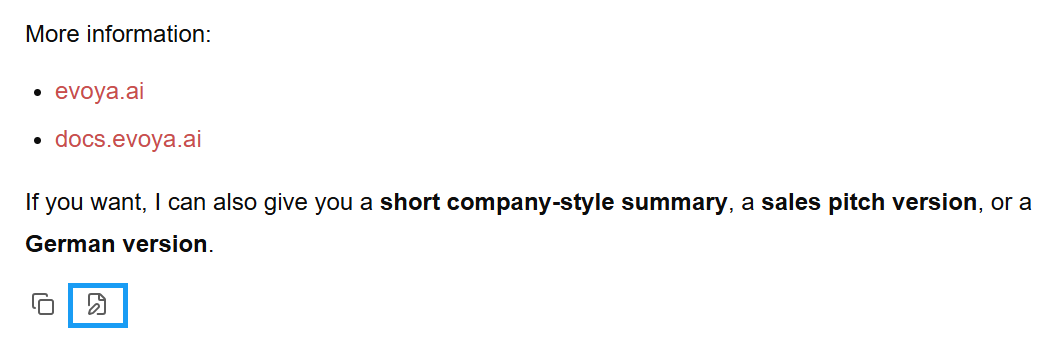
There are two ways to open the Creator:
Via the configuration icon at the bottom left of the chat input field:
Directly from a generated chat message via the corresponding icon:
Layout: Two columns
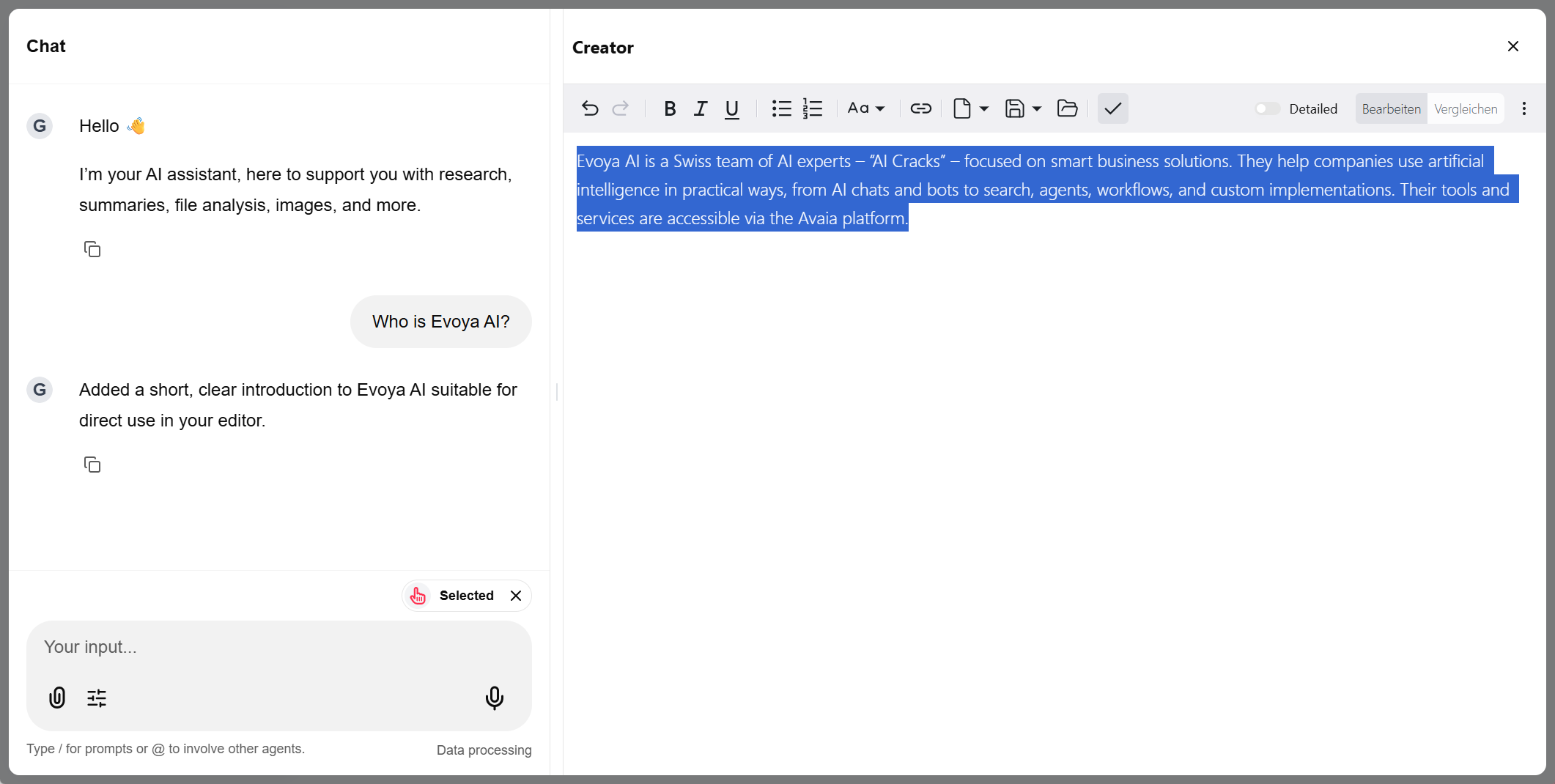
The Creator shows two columns side by side:
- Left – the chat where you communicate with the AI
- Right – the Markdown document you edit
This lets you give instructions in the chat and see the result immediately in the document on the right.
Edit and format content
The document can be edited and formatted dynamically. Common Markdown formatting is available, such as bold, italic, headings, and lists. Colors are not supported, since this is Markdown. You find the formatting options in the top bar.
Work with the AI
You select a text passage in the document and give an instruction in the chat on the left – for example, "translate" or "write better". The AI then edits exactly the selected text and replaces it in the document with the new version.
Manage documents
Documents can be saved, created anew, and managed in the file storage. This keeps you on top of all the content you have developed in the Creator.