Roles and Permissions
The Evoya platform has three roles:
- Administrator
- Plus Member
- Basic Member
Administrators and Plus Members are collectively referred to as Power Users.
Power Users can create and manage content, agents, and configurations.
Basic Members are primarily end users who use the features provided by Power Users.
Note on Basic Members
The Basic Member role is not available in every account by default.
It only appears when the User Expansion Package has been activated.
Roles Overview
Administrator
Administrators have all the rights of a Plus Member, plus access to organisation-wide settings and management functions.
Typical tasks of Administrators:
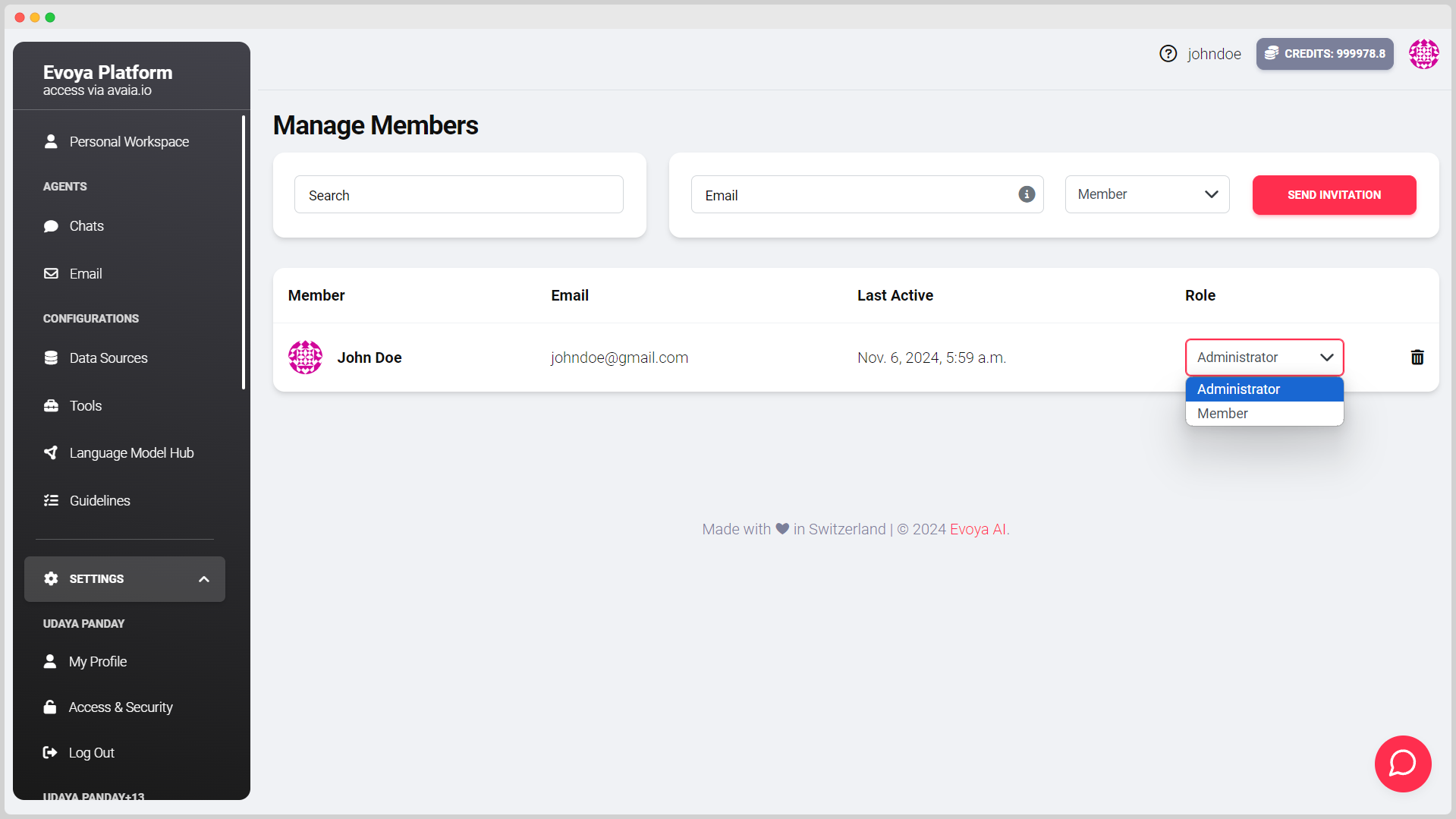
- Invite, manage, and remove members
- Change member roles
- Manage organisation settings
- Manage subscription
- View analytics
- Activate or deactivate AI models for the organisation
- Configure authentication settings
- Create and manage API keys
- Activate or deactivate pre-configured agents from the Library for the organisation
Plus Member
Plus Members are Power Users without administrative rights.
They can use all productive features of the platform and create and manage content for themselves or their team.
Typical tasks of Plus Members:
- Use AI chats to their full extent
- Create, configure, and edit AI agents
- Create and edit tasks
- Create and edit data sources
- Create and edit tools
- Create and edit skills
- Create and edit guidelines
- Create and manage team prompts
- Use and configure email automations
- Create and manage Projects
- Use the Shared file storage area and manage folders
Basic Member
Basic Members are designed for using shared content.
They use the agents and features prepared by Power Users, but have no access to administrative or advanced configuration areas.
Important: The Basic Member role is only available when the User Expansion Package is activated for the account.
Typical capabilities of Basic Members:
- Use AI chats to their full extent
- Use shared agents
- Save personal prompts for their own use
- Use the Private file storage area (own files only)
Basic Members have no access to Projects or the Shared area of the file storage. They cannot create or manage team-wide content or configurations.
Permissions Matrix
| Feature / Area | Administrator | Plus Member | Basic Member |
|---|---|---|---|
| Use AI chats | Yes | Yes | Yes |
| Use shared agents | Yes | Yes | Yes |
| Save personal prompts | Yes | Yes | Yes |
| File storage – Private | Yes | Yes | Yes |
| File storage – Shared | Yes | Yes | No |
| Create and manage Projects | Yes | Yes | No |
| Create and share team prompts | Yes | Yes | No |
| Create and edit AI agents | Yes | Yes | No |
| Create and edit tasks | Yes | Yes | No |
| Create and edit data sources | Yes | Yes | No |
| Create and edit tools | Yes | Yes | No |
| Create and edit skills | Yes | Yes | No |
| Create and edit guidelines | Yes | Yes | No |
| Manage email automations | Yes | Yes | No |
| View analytics | Yes | No | No |
| Invite and manage members | Yes | No | No |
| Change roles | Yes | No | No |
| Manage organisation settings | Yes | No | No |
| Manage subscription | Yes | No | No |
| Activate/deactivate AI models for the organisation | Yes | No | No |
| Configure authentication | Yes | No | No |
| Create and manage API keys | Yes | No | No |
| Activate/deactivate Library content for the organisation | Yes | No | No |
Member Management
The member management is part of the administration area and is only available to Administrators.
Administrators can:
- invite new members
- assign or change roles
- remove members