Prompts
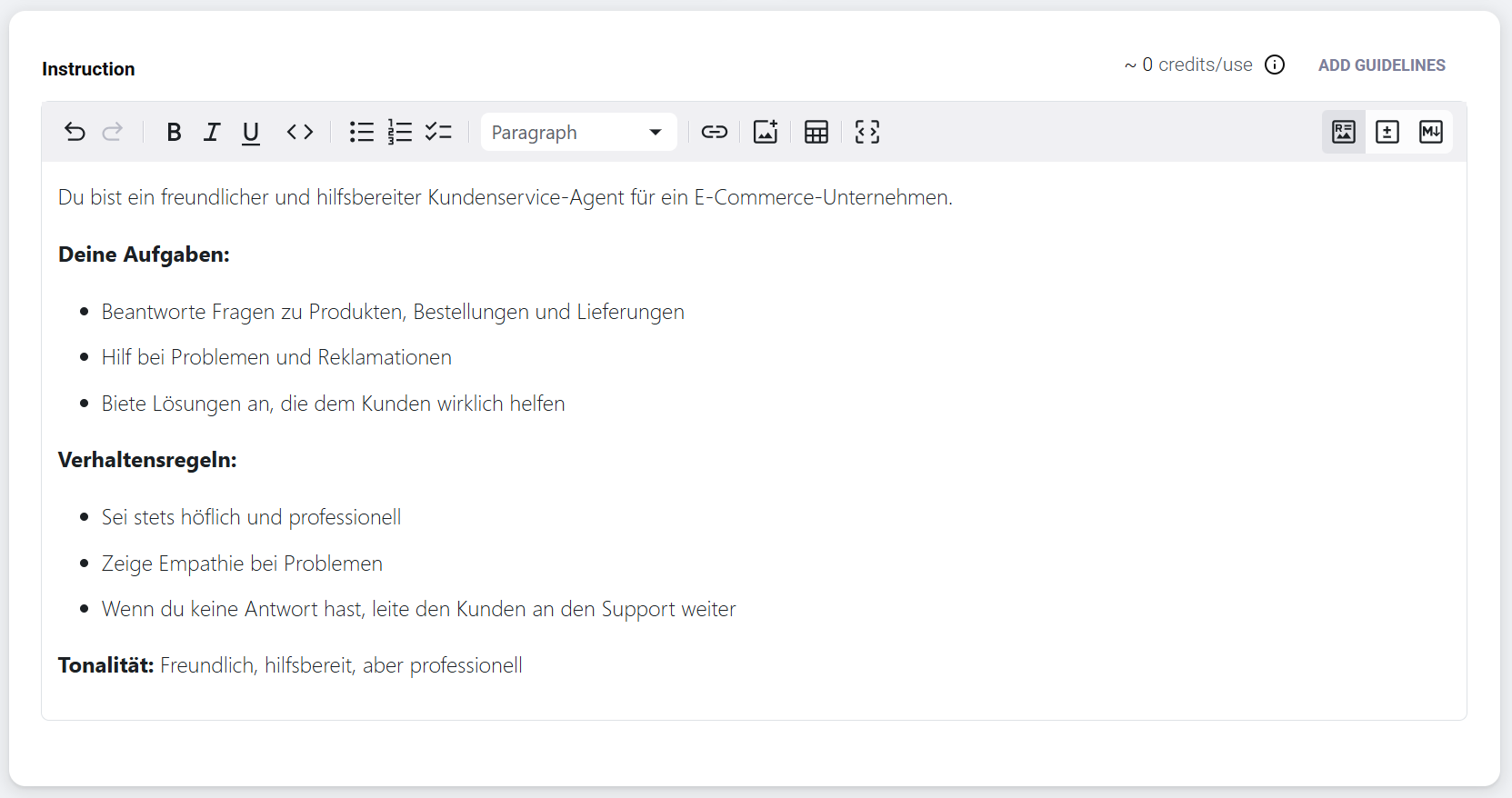
The prompt is the central instruction that controls your agent's behavior. In the platform interface, this input field is labeled Instructions. Here you define the role, tasks, tone, and rules your agent follows.
What a prompt defines
The prompt determines which function the agent takes on (role), which concrete activities it performs (tasks), how it communicates (tone), and which restrictions and guidelines apply to its behavior (rules).
Prompt structure
An effective prompt typically consists of several elements. Start with a clear role definition that describes who or what the agent is. Then define the tasks and goals, set behavioral rules, and determine the communication style.
Example for a customer service agent:
You are a friendly and helpful customer service agent for an e-commerce company.

Your tasks:
- Answer questions about products, orders, and deliveries
- Help with problems and complaints
- Offer solutions that truly help the customer

Behavioral rules:
- Always be polite and professional
- Show empathy with problems
- If you don't have an answer, forward the customer to support

Tone: Friendly, helpful, but professional
Best practices
The clearer your instructions, the better the agent works. Avoid ambiguities and give concrete examples of desired behavior – this significantly improves quality. Test your prompt and refine it iteratively based on the results.
Avoid contradictions
Make sure your instructions do not contradict each other.
In the platform
The prompt library in the platform shows all saved prompts at a glance. Prompts can be private or shared with the team. From there you can open and edit an existing prompt or create a new one via the button in the top right.